A beautifully staged home can still perform poorly online if the editing feels unnatural. I learned that lesson early after delivering a property gallery that looked overly bright, uneven, and artificial once it hit the MLS. The house itself was incredible in person, but the photos failed to capture the warmth and scale buyers expected to see.
That is when I realized editing is not just a finishing step in real estate photography. It is one of the biggest factors influencing how professional, spacious, and high-value a listing appears online.
Modern buyers move fast. Within seconds, they judge whether a home feels bright, clean, luxurious, or worth scheduling a showing for. Dark corners, distorted vertical lines, poor color balance, and aggressive HDR effects can immediately reduce trust in a listing.
This is exactly where real estate photography editing software becomes essential. The right tools help photographers recover window detail, balance difficult lighting, straighten architectural lines, automate repetitive workflows, and create polished images that still feel realistic.
After testing professional editing platforms, AI-powered automation tools, and high-volume workflows used across the US housing market, I found that the best software is not necessarily the most complicated. The strongest editing systems are the ones that improve consistency, maintain realism, and speed up delivery without sacrificing image quality.
In this blog, I’ll break down the software that professional real estate photographers actually use to create cleaner, brighter, and more competitive property listings today.
Why Real Estate Photo Editing Is Completely Different From Normal Photography
Real estate editing is far more technical than portrait or travel photography. Buyers want clean lighting, accurate room dimensions, realistic colors, and straight architectural lines. Every adjustment affects how spacious and inviting a property feels online.
Strong real estate photography lighting also plays a major role because editing alone cannot fully fix poor interior illumination or uneven natural light.
One of the biggest challenges is dynamic range. Bright windows and darker interiors often cannot be captured properly in a single exposure. That is why HDR (High dynamic range) real estate photography workflows have become standard across the industry.
Perspective correction also plays a major role. Crooked walls and distorted vertical lines immediately make homes look unprofessional. Strong editing software should automatically correct lens distortion while preserving realistic proportions.
Speed matters too. Many photographers deliver 30 to 60 images per listing, so efficient batch editing workflows are essential for maintaining fast turnaround times.
Adobe Lightroom Classic Still Leads High-Volume Editing
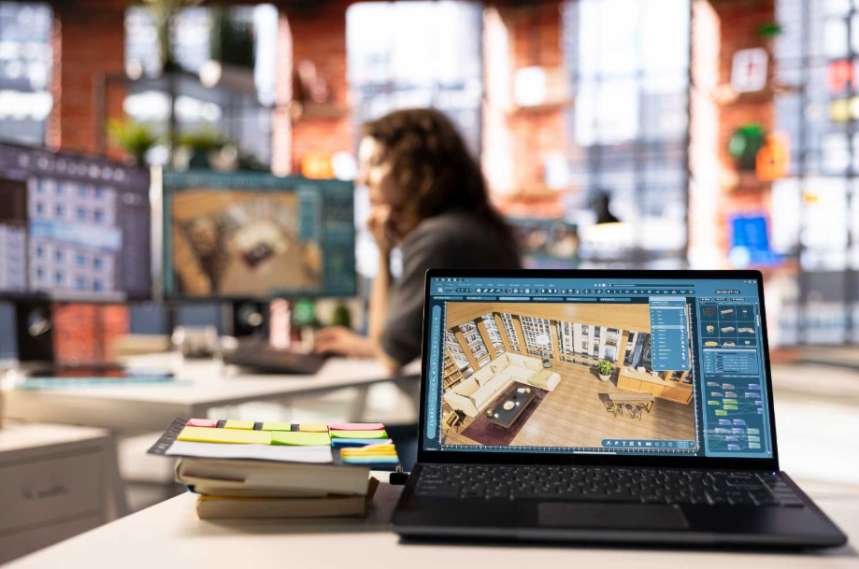
Adobe Lightroom Classic continues to dominate real estate workflows because it handles large image catalogs efficiently while preserving excellent RAW image quality. It has also become one of the most trusted tools for HDR real estate photography because of its ability to merge multiple exposures while maintaining realistic lighting and natural property details.
I still use Lightroom as the backbone of almost every project because it simplifies exposure balancing, lens correction, white balance adjustments, and batch synchronization. The built-in HDR Merge feature is especially useful for blending bracketed exposures naturally.
One reason Lightroom remains so popular among US real estate photographers is its non-destructive editing system. I can revisit older listings, tweak settings, and export different file sizes without permanently altering the originals.
The latest AI masking tools also make sky balancing, window recovery, and selective lighting adjustments much faster than older manual workflows.
Photoshop Remains the Industry Standard for Advanced Retouching
Adobe Photoshop is still unmatched when it comes to precision editing and compositing.
While Lightroom handles most foundational corrections, Photoshop becomes essential for advanced real estate retouching. I rely on it for object removal, complex window pulls, lawn cleanup, sky replacements, reflection control, and compositing difficult lighting situations.
Generative Fill has also changed modern property editing workflows. It can remove distractions and repair visual inconsistencies far faster than traditional cloning methods.
Luxury real estate photographers especially depend on Photoshop because high-end listings demand perfect lighting balance and flawless presentation.
Capture One Pro Is Preferred for Luxury Architectural Work
Capture One has become a favorite among architectural and commercial property photographers who prioritize color precision and tethered shooting.
Compared to Lightroom, Capture One feels more technical and studio-oriented. However, the color rendering engine is exceptional, especially for modern luxury interiors with mixed lighting conditions.
Many photographers working with builders, architects, and interior designers prefer Capture One because it provides cleaner detail rendering and advanced layer-based editing controls.
Tethered shooting support is another major advantage for photographers working on high-end commercial productions.
AI Editing Is Rapidly Changing Real Estate Photography
AI automation has become one of the biggest shifts in real estate media production over the past few years. Instead of manually correcting every image one by one, photographers can now automate huge portions of their workflow.
Imagen is one of the most impressive examples of this trend. The platform integrates directly with Lightroom catalogs and learns a photographer’s personal editing style over time.
What makes Imagen valuable is its ability to automate repetitive tasks like color correction, perspective alignment, exposure balancing, and batch processing. For photographers editing thousands of listing photos monthly, that can save enormous amounts of time.
The software is especially useful for high-volume businesses that need consistent editing across multiple photographers and properties.
AutoHDR Is Built Specifically for Real Estate Media

AutoHDR takes automation even further by focusing entirely on property photography workflows.
Unlike general photo editors, AutoHDR was specifically designed for real estate media production. It automatically processes bracketed exposures, balances interior lighting, performs virtual twilight conversions, ignites fireplaces, replaces TV screens, and improves window detail.
For photographers who want a nearly hands-off workflow, AutoHDR can dramatically reduce editing time while still producing MLS-ready images.
This type of automation is becoming increasingly common in fast-moving US real estate markets where turnaround speed matters almost as much as image quality.
Luminar Neo Makes AI Editing Easier for Beginners
Luminar Neo is one of the easiest editing platforms for photographers who want professional-looking results without learning advanced Photoshop techniques.
The AI-powered tools simplify difficult adjustments like sky replacement, relighting interiors, and enhancing room brightness. I’ve found it especially useful for vacation rental listings and Airbnb photography where fast edits are often more important than pixel-perfect retouching.
Another advantage is flexibility. Users can choose between a subscription model or a one-time purchase, which appeals to photographers trying to avoid ongoing Adobe costs.
For beginners entering property photography, Luminar Neo provides a much smoother learning curve than traditional professional editing suites.
My Recommended Real Estate Editing Workflow
Over time, I realized the fastest workflows are usually the simplest ones.
I start by importing RAW files into Lightroom and immediately applying lens corrections and vertical alignment adjustments.
Following a professional real estate photography checklist before editing also helps photographers catch lighting issues, staging problems, and framing mistakes earlier in the workflow.
If the property was shot using bracketed exposures, I merge HDR images first before syncing white balance across similar rooms.
Next, I fine-tune highlights, shadows, and contrast while keeping colors realistic. If an image needs more advanced corrections, I send it into Photoshop for masking, sky replacement, or object cleanup.
For high-volume projects, AI tools like Imagen can automate much of the repetitive correction work. Meanwhile, AutoHDR can handle fast property batches that require quick delivery for agents.
The goal is never to create fake-looking interiors. The best edits simply make homes appear clean, bright, balanced, and natural.
The Biggest Real Estate Editing Mistakes I Still See Online
One of the most common problems is over-editing. Extremely aggressive HDR effects often create glowing walls, fake shadows, and unrealistic lighting that instantly reduce trust with buyers.
Poor white balance is another issue. Mixed interior lighting can create heavy orange or blue color casts that make rooms feel unnatural.
Crooked vertical lines also remain surprisingly common. Even expensive cameras still require proper perspective correction during editing.
Oversized image exports can also slow down MLS pages and hurt mobile browsing experiences, especially for buyers scrolling through listings on phones.
Which Editing Software Is Actually Best?
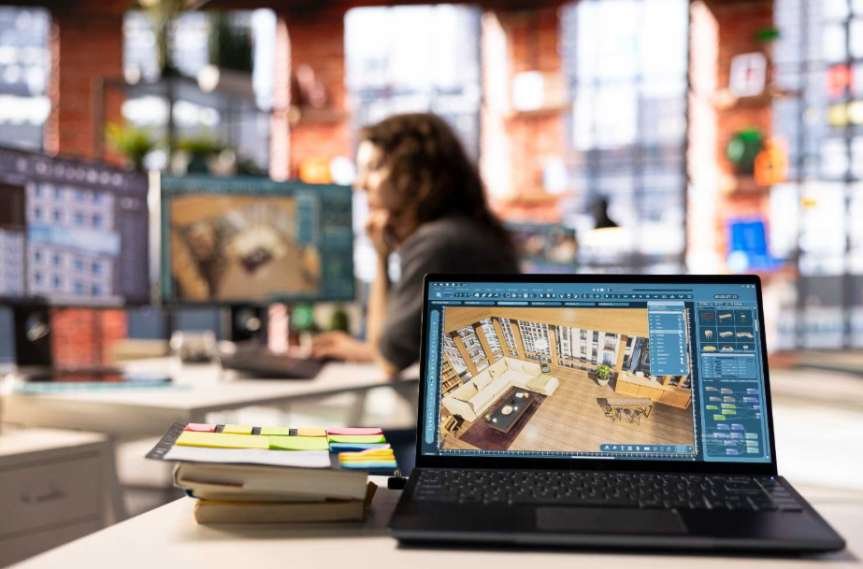
After testing different systems, I honestly think the best solution depends on workflow needs rather than brand loyalty.
Lightroom and Photoshop still provide the strongest overall professional workflow for photographers who want full control.
Capture One excels for luxury and architectural specialists who demand advanced color accuracy.
Imagen dramatically improves productivity for high-volume businesses using AI-assisted editing pipelines.
AutoHDR works extremely well for fast-paced property workflows that prioritize automation.
Luminar Neo is ideal for beginners who want quick professional-looking edits without mastering complicated retouching techniques.
The key is choosing software that improves both speed and consistency while keeping listings realistic and trustworthy.
Frequently Asked Questions (FAQs)
1.What is the best real estate photography editing software for beginners?
Lightroom and Luminar Neo are usually the easiest combination because they balance automation, usability, and professional-quality editing tools.
2.Do professional real estate photographers still use Photoshop?
Yes. Photoshop remains essential for advanced retouching, object removal, compositing, and precise architectural corrections.
3.Is HDR editing necessary for property photography?
In most situations, yes. HDR workflows help balance bright windows with darker interiors while maintaining realistic lighting.
4.Can AI fully replace manual real estate photo editing?
AI tools can automate repetitive tasks extremely well, but luxury listings and difficult lighting situations still benefit from manual editing expertise.
5.Which software is best for high-volume listing photography?
Imagen and AutoHDR are currently among the strongest AI-powered solutions for photographers delivering large numbers of listing photos quickly.
Wrapping It All Together
The best editing workflow is the one that helps you create bright, realistic, and trustworthy property images without slowing down your delivery process. Modern buyers expect clean listing photos that feel natural, detailed, and visually inviting from the very first click.
As AI continues improving, photographers now have more options than ever before. But even with advanced automation, strong editing fundamentals still matter. Understanding exposure balance, perspective correction, and realistic lighting will always separate professional real estate imagery from average listing photos.
For most photographers, combining Lightroom, Photoshop, and selective AI tools creates the most flexible long-term workflow. Once you find a system that balances speed with realism, your listings immediately start looking more polished and far more competitive.