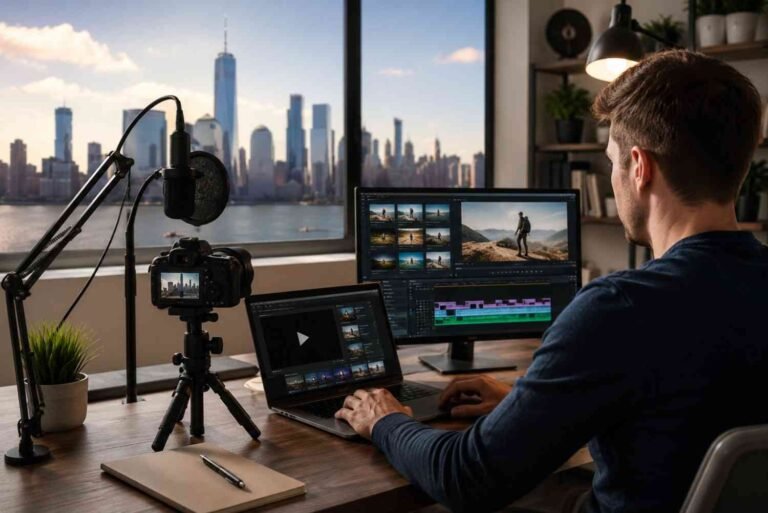















Scrolling through a gallery after a sunset shoot can feel surprisingly disappointing. The sky looked magical in real life, but the photos somehow appear flat and emotionless. That exact moment is usually where understanding what is color grading changes everything. A few intentional color adjustments can transform an ordinary image into something cinematic, dramatic, warm, or deeply emotional without making it look fake or overedited.

Key Takeaways

  • Color grading enhances mood, emotion, and storytelling in photos
  • It comes after color correction in the editing workflow
  • Professional photographers use grading to create consistent visual styles
  • Lightroom, Photoshop, and DaVinci Resolve are leading grading tools
  • Subtle grading often creates more natural and premium-looking results

What Is Color Grading?

Color grading is the post-production process of altering and enhancing the color, contrast, saturation, and tones of a photograph or video to create a specific artistic mood or cinematic style. In photo editing, it helps images feel more emotional, polished, and visually engaging.

Unlike basic edits that simply improve brightness or exposure, color grading focuses on storytelling through color. Warm orange highlights can create nostalgic feelings, while cool blue shadows often create a moody cinematic atmosphere.

Why What Is Color Grading Matters in Photography

Photography is not only about capturing a moment. It is also about recreating how that moment felt emotionally.

Professional photographers use color grading to guide the viewer’s attention and shape emotional responses. Travel photos often look warmer and vibrant, while fashion editorials may use muted tones and deeper contrast for a luxury feel.

Color Correction Vs What Is Color Grading

Many beginners use these terms interchangeably, but they serve completely different purposes in editing.

What Color Correction Does?

Color correction is the technical process of fixing an image so it appears natural and balanced. This usually includes correcting white balance, adjusting exposure, recovering highlights, fixing shadows, and ensuring realistic skin tones. It creates a clean foundation before any creative styling begins.

What Is Color Grading in Comparison?

What Is Color Grading in Comparison

Color grading comes after correction and focuses entirely on visual style and atmosphere.Instead of fixing problems, grading intentionally changes colors to create a mood. Editors may add warm golden tones for romance or cooler shadows for dramatic cinematic depth.

Why Professionals Use Both Together?

Skipping correction often creates inconsistent and unrealistic results. Professional editing workflows always begin with technical corrections first, followed by creative color grading that enhances the artistic direction of the image.

What Is Color Grading Doing to Your Photos?

Strong grading can completely transform the emotional impact of a photo without changing the subject itself.

Creates Emotional Storytelling

Colors strongly influence how people emotionally react to images. Warm earthy tones often feel nostalgic and comforting, while dark teal shadows can create mystery or tension. This emotional connection is why grading plays such an important role in visual storytelling.

Builds a Consistent Editing Style

Many successful photographers are recognized by their editing style before viewers even see their name. Consistent grading helps create a recognizable brand aesthetic across Instagram feeds, wedding galleries, travel portfolios, and commercial campaigns.

Makes Photos Look More Professional

Ungraded images often feel unfinished compared to professionally edited work. Even subtle changes to contrast, saturation, luminance, and tone curves can instantly elevate image quality and create a more premium cinematic appearance.

How To Use Color Grading in Photo Editing?

Learning color grading becomes much easier once the editing workflow is broken into clear steps.

Step 1: Start With Basic Color Correction

Always begin by correcting exposure, shadows, highlights, and white balance before applying creative edits. Balanced colors create a clean editing foundation and prevent grading from looking unnatural later in the process.

Step 2: Adjust Tone Curves and Contrast

Tone curves are one of the most powerful grading tools in photography. Lifting black levels slightly creates a soft matte film look, while increasing contrast adds cinematic depth and drama. Small curve adjustments can dramatically change the final mood of an image.

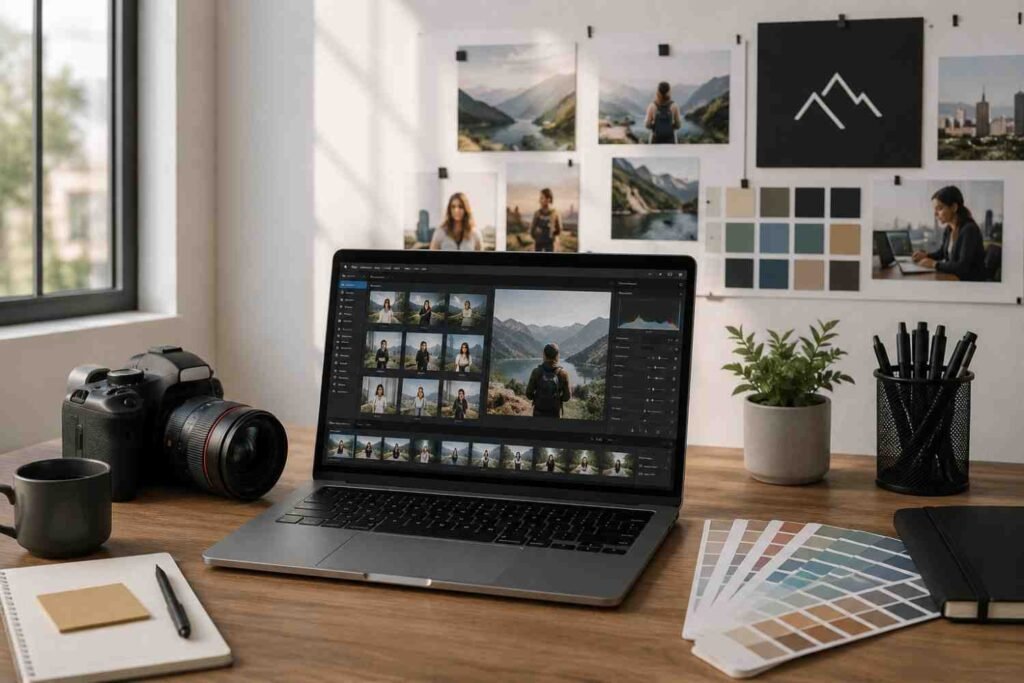
Step 3: Fine-Tune Colors Using HSL and Color Wheels

Step 3 Fine-Tune Colors Using HSL and Color Wheels

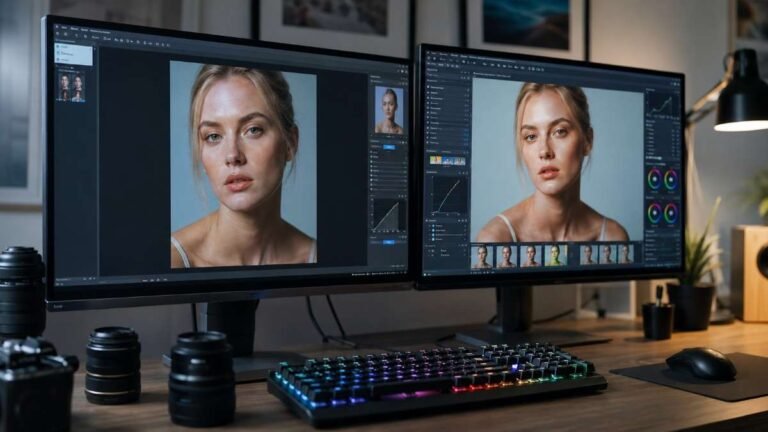
The HSL panel allows editors to control hue, saturation, and luminance for individual colors. Many cinematic edits reduce green saturation slightly while enhancing orange skin tones and cooler blue shadows. Color wheels help separate adjustments between highlights, shadows, and midtones for better balance.

Step 4: Add the Final Cinematic Touches

After grading, zoom out and review the image naturally instead of focusing only on details. Reduce excessive saturation, sharpen important areas carefully, and ensure skin tones still look realistic. The best cinematic edits usually feel subtle rather than heavily processed.

Popular Color Grading Styles

Different grading styles create completely different visual experiences and emotional responses.

Cinematic Teal and Orange

This is one of the most recognizable Hollywood-inspired grading styles. Warm orange skin tones contrast beautifully against cooler teal shadows, creating dramatic depth and visual separation that instantly feels cinematic.

Vintage Film Aesthetic

Film-inspired grading often includes faded blacks, softer contrast, muted saturation, and subtle grain. This style recreates the timeless texture and emotional warmth associated with analog film photography.

Bright and Airy Editing

Bright and airy grading focuses on soft highlights, warm whites, and lower contrast. Wedding and lifestyle photographers often use this style because it creates a clean, elegant, and romantic atmosphere.

Common Color Grading Mistakes

Even experienced editors can accidentally overprocess their images during grading.

Oversaturating Every Color

Too much saturation makes photos appear unrealistic and distracting. Professional editors usually rely on balanced color harmony instead of extremely vibrant tones.

Ignoring Natural Skin Tones

Creative grading should never make skin appear green, orange, or overly pink. Natural-looking skin tones remain one of the clearest signs of high-quality professional editing.

Relying Too Much on Presets

Presets are helpful starting points, but every image still requires manual adjustments. Photography lighting conditions, camera settings, and environments vary too much for one-click edits to work perfectly every time.

Best Tools for What Is Color Grading

The right editing software can significantly improve both workflow and grading quality.

Adobe Lightroom

Adobe Lightroom

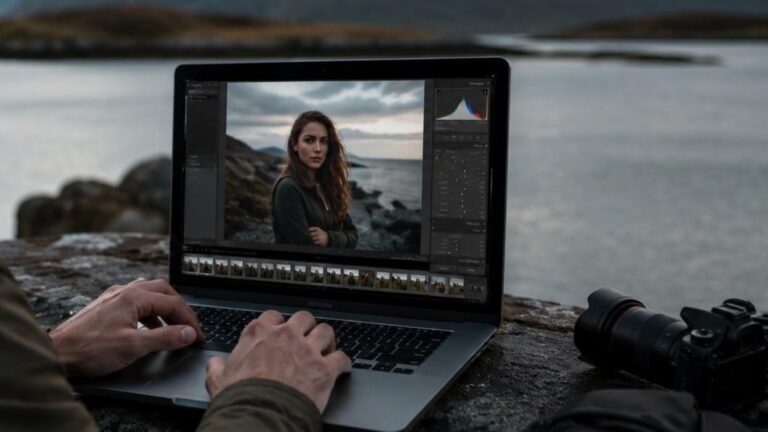
Lightroom is ideal for beginners and professionals because it combines RAW editing, tone curves, HSL controls, masking, and presets within a user-friendly interface.

Adobe Photoshop

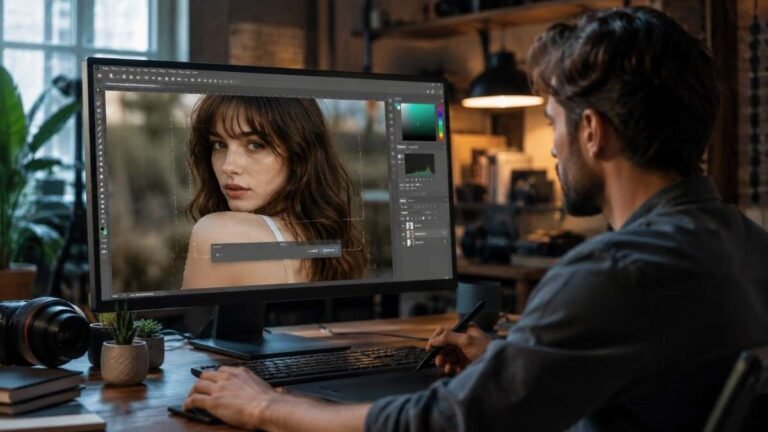
Photoshop gives photographers deeper control through layers, selective masking, and advanced retouching tools that pair perfectly with cinematic grading workflows.

DaVinci Resolve

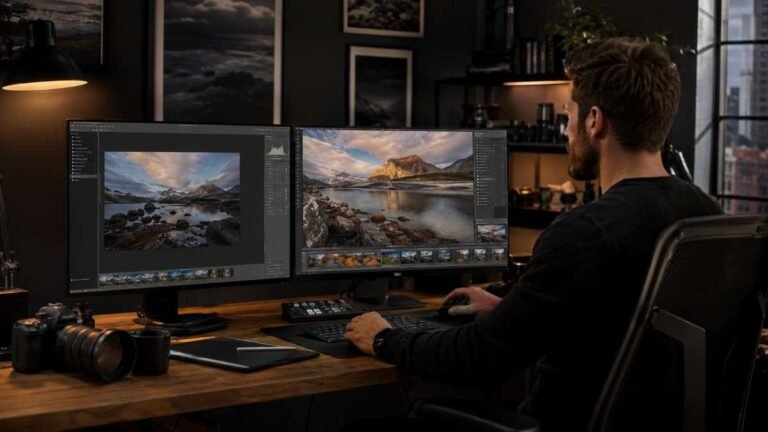
DaVinci Resolve is considered one of the most advanced professional color grading tools available today. Many filmmakers and cinematic photographers use it for high-end commercial and creative projects.

Frequently Asked Questions

1. What is meant by color grading?

Color grading is the creative process of adjusting colors, contrast, and tones to create a specific mood, atmosphere, or cinematic style in photos or videos.

2. What is the difference between color grading and editing?

Editing includes all image adjustments, while color grading specifically focuses on creative color styling and mood enhancement after correction.

3. What is an example of color grading?

Adding warm orange highlights with cool teal shadows to create a cinematic movie-style image is a common color grading example.

4. What is the 60/30/10 rule in photography?

The 60/30/10 rule uses 60% dominant color, 30% secondary color, and 10% accent color for balanced visual composition and harmony.

Final Frame: Why Color Grading Changes Everything?

Understanding what is color grading can completely transform the way photos feel emotionally and visually. More than just adjusting colors, it helps photographers create mood, consistency, and cinematic storytelling within every image. Whether using Lightroom, Photoshop, or DaVinci Resolve, thoughtful grading adds personality and professionalism to your work. The strongest edits are rarely the loudest ones. They are the ones viewers feel instantly without even realizing why.