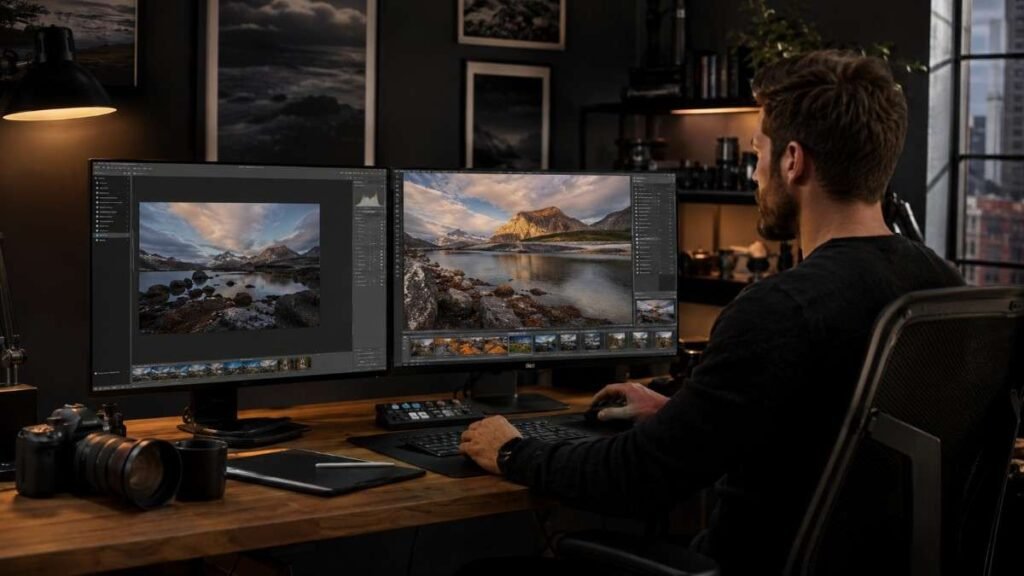
Scrolling through old vacation photos recently made something very clear. Learning how edit picture with AI can completely transform average-looking images into professional-quality visuals within minutes. A blurry sunset shot can suddenly look cinematic, a dull selfie can turn into a polished portrait, and distracting objects can disappear with just a few clicks.
The best part is that modern AI photo editing tools make advanced editing simple enough for beginners while still offering powerful creative control for content creators, photographers, and social media users.
Key Takeaways
- AI photo editing tools simplify complex edits instantly
- Specific prompts improve editing accuracy and realism
- Free AI image editors are powerful for beginners
- Good lighting and high-quality photos improve AI results
- Combining AI automation with manual tweaks creates better edits
What AI Can Do With Photos?
AI photo enhancers can improve lighting, sharpen blurry details, reduce noise, and enhance facial features automatically. Some tools even allow users to replace skies, remove people from backgrounds, generate new scenery, or create realistic image extensions using generative AI.
Portrait editing is another area where AI performs extremely well. Skin smoothing, eye enhancement, background blur, and lighting correction now take seconds instead of hours. AI tools also help restore old photos and improve low-quality images without complicated manual adjustments.
Best AI Photo Editors For Beginners
Choosing the right AI image editor makes the editing process much easier.
Adobe Firefly
Adobe Firefly is one of the most advanced AI photo editing platforms available today. Its Generative Fill feature allows users to add, remove, or replace objects simply by typing text prompts. For example, someone can type “replace cloudy sky with sunset” and the AI automatically creates realistic edits. Firefly works especially well for professional-quality creative edits and detailed image manipulation.
Canva AI Photo Editor
Canva AI Photo Editor is extremely beginner-friendly. Tools like Magic Edit and Magic Eraser allow users to instantly remove unwanted objects or modify image elements without technical experience. Canva also works well for social media creators because it combines AI editing with templates, graphics, and design tools in one platform.
Pixlr And Fotor
Pixlr is a browser-based AI editor designed for fast editing workflows. It includes tools for background removal, smart retouching, and automatic image enhancement.
Fotor is another strong option because of its AI Photo Enhancer feature, which improves lighting, sharpness, and clarity with one click. Both platforms are ideal for beginners who want fast results without downloading heavy software.
Leonardo.ai And QuillBot AI
Leonardo.ai offers advanced creative editing features for users who want more artistic control. It supports prompt-based image editing and reference image generation, making it useful for designers and creators.
QuillBot AI is a completely free online tool focused on basic enhancements, restoration, and object replacement. It works well for quick edits and simple image cleanup tasks.
How Edit Picture With AI Step By Step
Editing photos with AI becomes much easier when following a simple workflow.
Upload Your Image
Start by uploading a high-quality image to your preferred AI photo editor. Most AI editing tools support JPG, PNG, and WEBP formats. Clear images with decent lighting usually produce the best results because AI tools have more visual information to work with. Portraits, travel photos, ecommerce images, and social media pictures all work well with AI editing software.
Before editing, decide exactly what needs improvement. Some images may need sharper details, while others may require background cleanup or lighting enhancement.
Describe The Changes Clearly
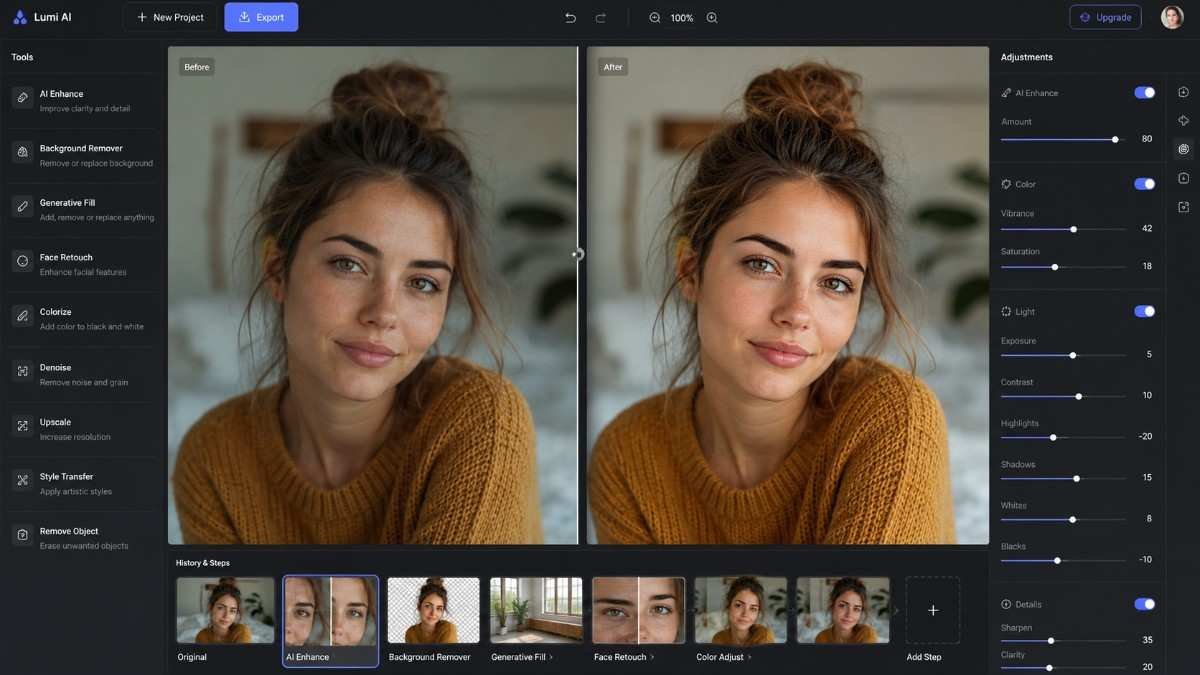
Instead of using vague instructions like “make photo better,” describe the edit specifically. AI tools respond much more accurately to detailed AI prompts that explain lighting, mood, colors, and objects.
Try prompts like:
“Remove background and add sunset lighting”
“Turn selfie into professional headshot”
“Enhance blurry image naturally”
“Add cinematic lighting with soft shadows”
“Replace cloudy sky with golden hour sunset”
Specific prompts help create cleaner and more realistic AI-generated edits.
Use Automatic AI Tools
Most AI photo editors include one-click editing features. Tools like Remove Background, AI Enhance, Generative Expand, and Object Remover automatically perform complex edits within seconds. Canva’s Magic Eraser removes distractions instantly.
While Adobe Firefly’s Generative Fill creates realistic background replacements with text prompts. Automatic AI tools save time and simplify editing for beginners who may not understand advanced editing techniques.
Refine And Download
Adjust brightness, contrast, saturation, and sharpness manually if necessary. Subtle edits often look more professional than heavily filtered images. Once satisfied, download the high-resolution edited image for social media, websites, ecommerce listings, or personal use.
How Edit Picture With AI Without Making It Look Fake
Many AI-edited photos fail because of over-editing.
Avoid Excessive Skin Smoothing
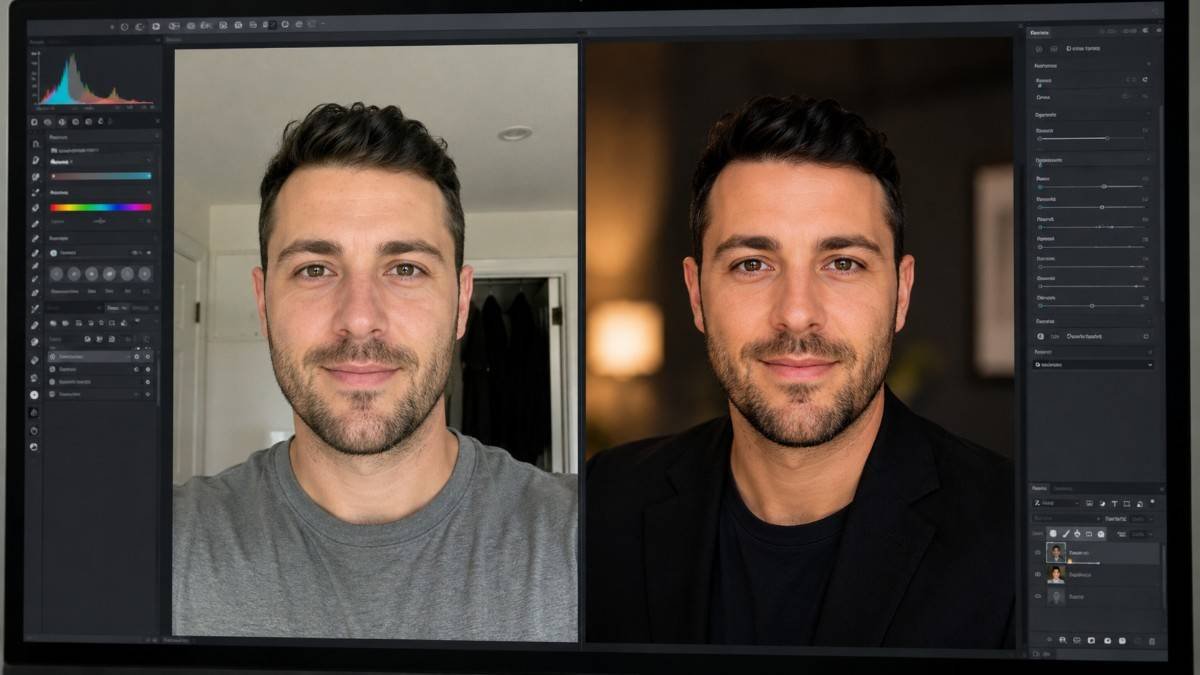
Overusing portrait enhancement tools can make faces appear unnatural. Professional-looking AI edits still preserve natural skin texture and realistic lighting. Small corrections usually create more authentic and visually appealing portraits.
Match Lighting And Shadows
Lighting consistency plays a huge role in realistic editing. If a subject is photographed indoors but the AI-generated background shows bright outdoor sunlight, the image may appear artificial. Matching color tones and shadows helps create believable results.
Use High-Resolution Photos
AI editing tools perform better with high-quality source images. Tiny screenshots or compressed social media photos often produce weak editing outcomes. Sharp original images allow AI tools to generate cleaner and more detailed enhancements.
Real AI Editing Examples
Real editing workflows show how AI improves ordinary images.
Portrait Transformation
A low-light indoor selfie was uploaded into Canva AI Photo Editor. The workflow included skin retouching, background replacement, and lighting enhancement. Using the prompt “turn selfie into professional headshot with soft studio lighting” created a polished portrait suitable for LinkedIn and business profiles.
Travel Photo Enhancement
A cloudy beach image originally looked flat and underexposed. Pixlr AI tools enhanced shadows, improved colors, and added warm sunset tones. The final image appeared cinematic while still looking realistic and natural.
Ecommerce Product Cleanup
An online store product photo contained distracting background objects. Adobe Firefly’s Generative Fill removed unwanted items and cleaned the background automatically. This created a cleaner product image without using manual Photoshop editing.
Canva Vs Pixlr Vs Photoshop AI
Each AI image editor works best for different editing needs.
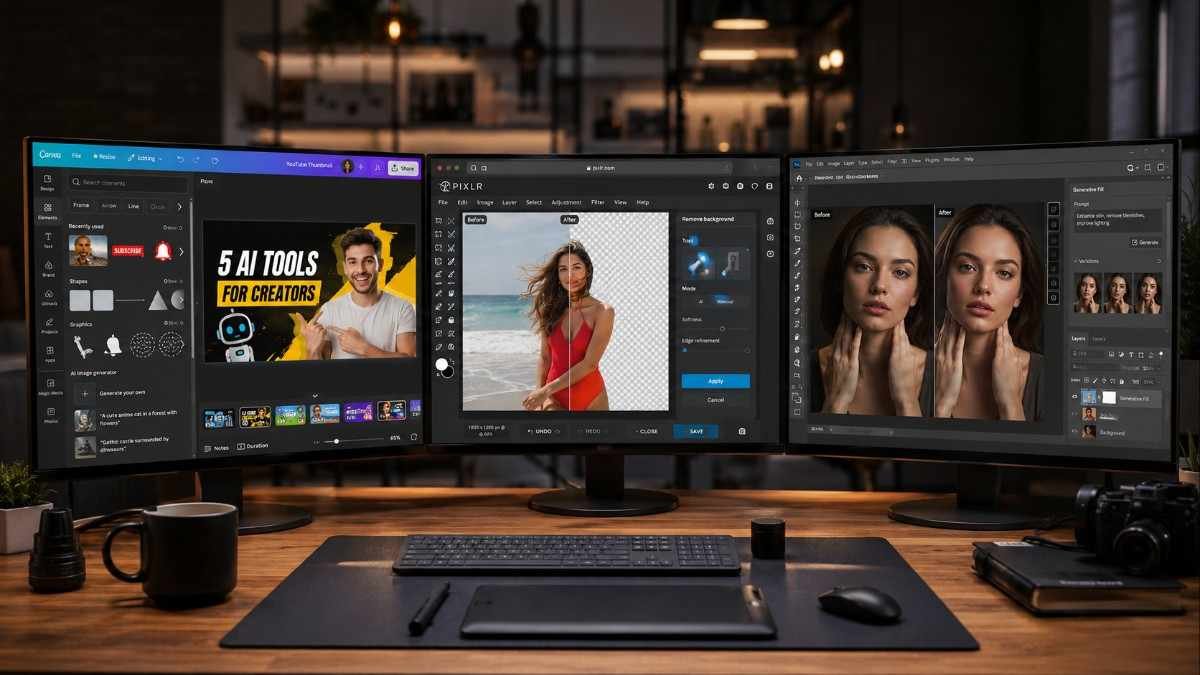
Canva AI
Canva AI is perfect for beginners and social media creators. The interface is simple, fast, and beginner-friendly. It works especially well for thumbnails, Instagram posts, and content marketing visuals.
Pixlr AI
Pixlr offers a balance between simplicity and advanced editing tools. Because it works directly in a browser, it is ideal for users who want lightweight editing without software downloads.
Photoshop AI
Photoshop AI provides the most advanced creative control. Generative Fill, advanced masking, and professional retouching tools make it the strongest choice for experienced designers and photographers.
Frequently Asked Questions
1. What Is The Best Tool For How Edit Picture With AI?
Adobe Firefly, Canva AI, Pixlr, and Fotor are among the best AI photo editing tools for beginners and professionals.
2. Can Beginners Learn How Edit Picture With AI Easily?
Yes. Most AI image editors are designed for beginners and use one-click tools and simple text prompts.
3. Is AI Photo Editing Free?
Many AI photo editors offer free plans with essential editing features, including Canva, Pixlr, Fotor, and QuillBot AI.
4. Can AI Improve Blurry Photos?
Yes. AI enhancement tools can sharpen details, improve lighting, and restore image clarity in many blurry photos.
Final Clicks And Creative Magic
Learning how edit picture with AI is changing the way people create visual content online. Modern AI photo editing tools simplify complex edits, improve image quality instantly, and help beginners create professional-looking results without advanced design skills.
With the right prompts, smart editing workflows, and high-quality AI image editors, anyone can transform ordinary photos into polished visuals that stand out on social media, blogs, ecommerce stores, and personal portfolios.