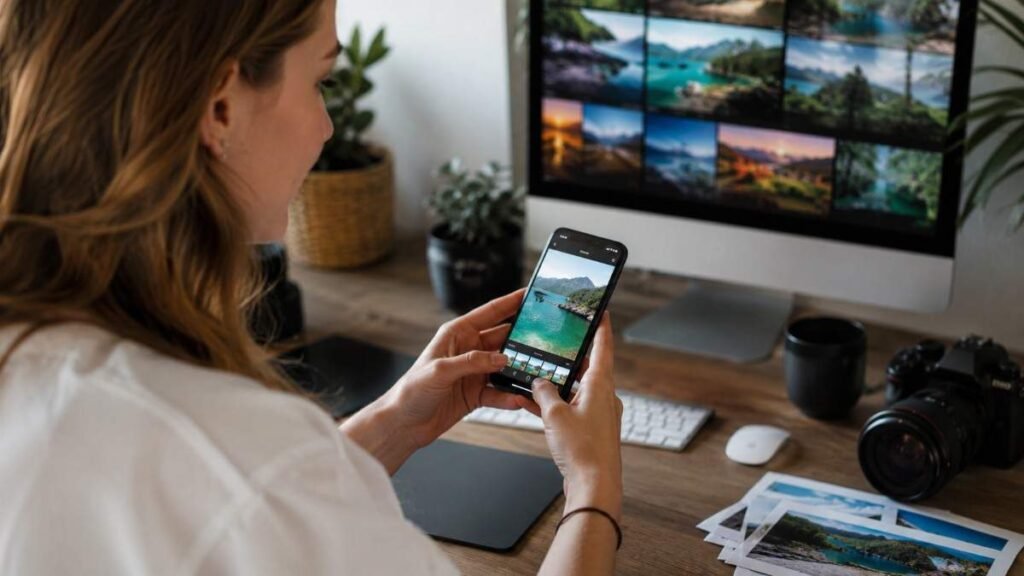
Scrolling through old vacation photos usually feels disappointing because the colors, lighting, and details rarely match the real moment. That is exactly why the best photo editing apps have become essential for creators, photographers, influencers, and even casual users today.
A powerful editing app can instantly transform dull photos into professional-quality images with better lighting, sharper details, cleaner skin tones, and eye-catching colors without needing expensive desktop software.
Key Takeaways
- Adobe Lightroom Mobile remains the best overall choice for photographers
- Snapseed is still the best completely free editing app
- AI-powered editing tools now save massive editing time
- Mobile editing apps can now rival desktop software
- Fast workflows matter more than complicated editing tools
Best Photo Editing Apps For Every Creator
Different creators need different editing tools. This section covers the best photo editing apps for photography, social content, AI editing, and professional workflows.
Adobe Lightroom Mobile
Adobe Lightroom Mobile continues to dominate the photography industry in 2026. Its RAW editing support, advanced masking tools, selective adjustments, and cloud syncing make it one of the most complete mobile editing platforms available today.
Photographers especially love Lightroom because it preserves image quality during editing and export. Portrait creators also benefit from AI subject masking and professional-grade color correction tools that create cleaner and more natural-looking edits.
For most users, Lightroom Mobile offers the best balance of advanced functionality and ease of use. It works exceptionally well for travel photography, portrait shoots, product photography, and content creation workflows.
Snapseed
Snapseed remains one of the best photo editing apps for users who want professional tools completely free. Unlike many free editors, Snapseed does not force watermarks, aggressive ads, or hidden premium paywalls.
The app includes powerful features like selective edits, healing tools, curves adjustment, HDR effects, and perspective correction. These tools give users impressive creative control while keeping the interface simple and beginner-friendly. Snapseed is especially useful for photographers who want advanced editing tools without paying monthly subscription fees.
Photomator
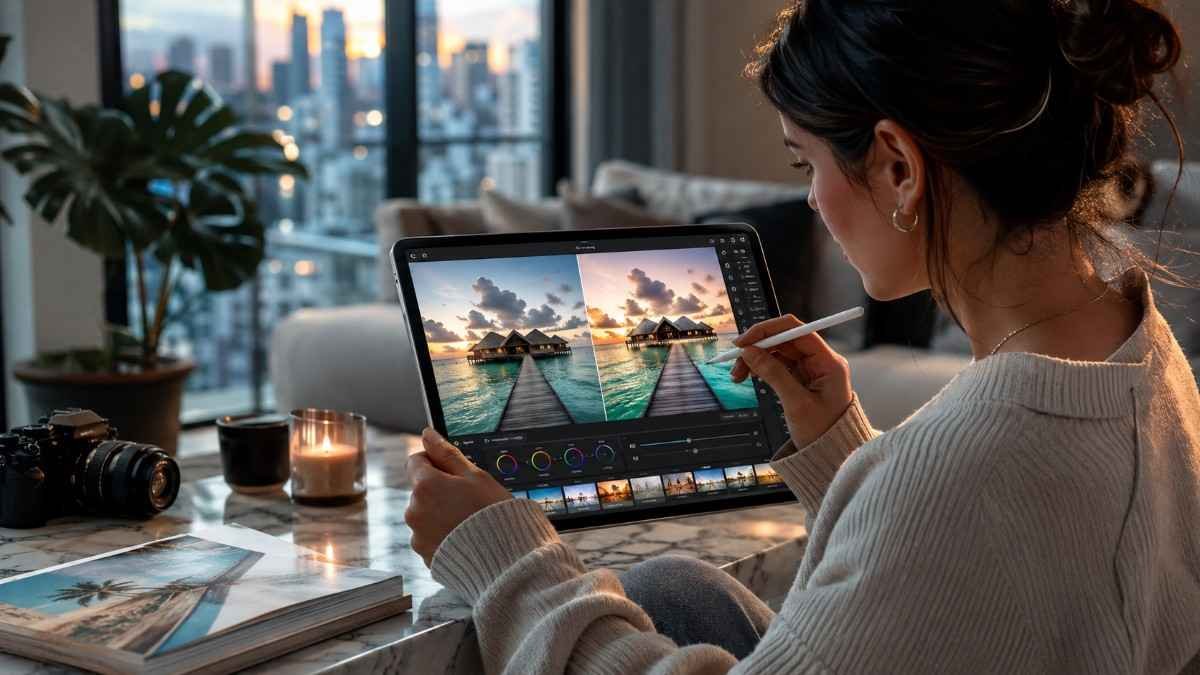
Photomator has quickly become one of the strongest AI-powered editing apps for iPhone users. The app uses machine learning to improve lighting, remove distractions, sharpen details, and enhance colors automatically. Its editing interface feels clean and intuitive, making it ideal for creators who want quick but polished results. Photomator is especially popular among lifestyle creators, travel photographers, and mobile-first content creators.
For iOS users looking for powerful AI editing without complicated controls, Photomator is easily one of the best photo editing apps available right now.
AI Features In The Best Photo Editing Apps
AI-powered editing is changing photography faster than ever.
Faster Editing Workflows
AI tools now handle many repetitive editing tasks automatically. Features like auto-light correction, skin smoothing, object removal, and background enhancement reduce editing time dramatically for photographers and creators.
Wedding photographers and social media creators especially benefit from these faster workflows because editing large batches of images manually can take hours without AI assistance.
Better Before-And-After Results
Modern AI editing looks far more natural compared to older filters and presets. Instead of producing overprocessed images, newer editing apps focus on realistic enhancements that preserve skin texture, lighting balance, and natural color tones.
This matters because audiences today prefer authentic-looking visuals rather than heavily filtered images that look artificial or unrealistic.
Smarter Social Media Optimization
Many of the best photo editing apps now optimize images specifically for Instagram, TikTok, Pinterest, and YouTube thumbnails. This helps preserve image sharpness and quality after upload compression.
Apps like VSCO, Lightroom Mobile, and Picsart now include export settings designed specifically for creator platforms and mobile content workflows.
Choosing The Best Photo Editing Apps
Choosing the right app depends on editing style and creative goals.
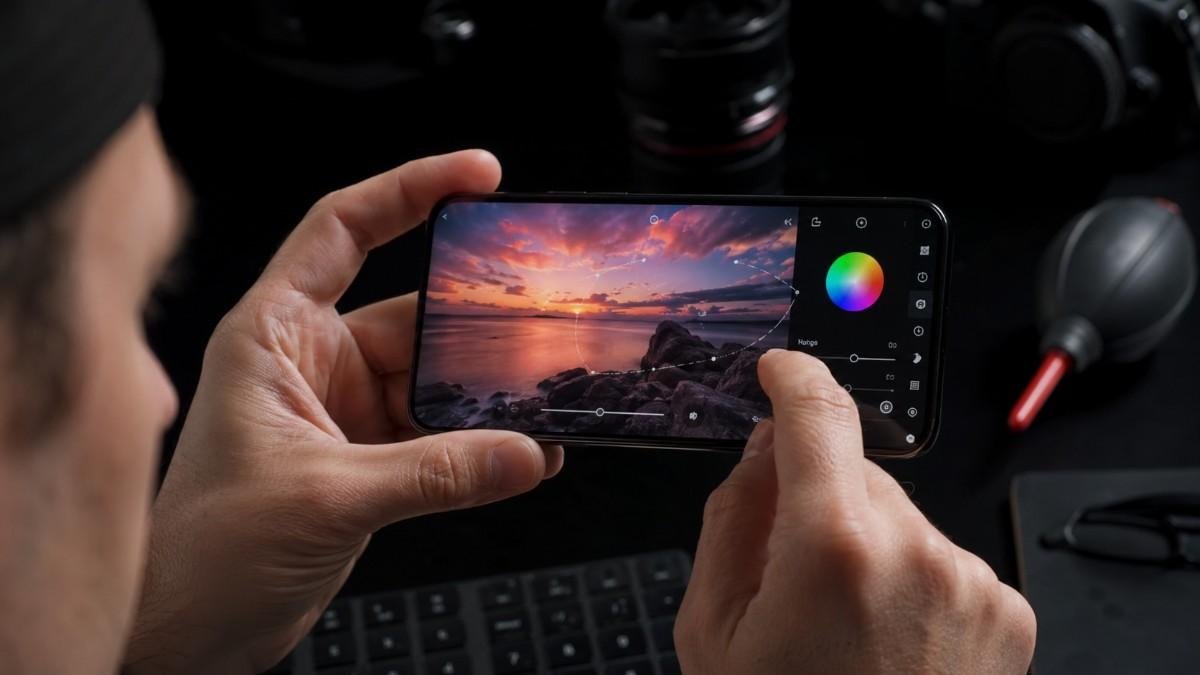
- Beginners usually benefit from apps with simple interfaces and automatic editing tools. Snapseed and Photomator are excellent choices because they provide strong editing features without overwhelming controls.
- Professional photographers often need advanced tools like RAW support, masking, selective adjustments, and cloud syncing. Lightroom Mobile remains the strongest option for serious editing and professional photography workflows.
- Creative content creators may prioritize artistic filters, collages, stickers, presets, and social-first tools instead. Apps like Picsart, Afterlight, and Polarr perform extremely well for those creative editing styles.
- Apple Photos also deserves attention for quick edits because it integrates smoothly into the iPhone ecosystem. Meanwhile, Luminar Neo has become one of the top AI editing tools for creators who want fast cinematic enhancements and creative effects.
How To Use The Best Photo Editing Apps
Learning a simple editing workflow makes photo editing much easier.
Start by adjusting exposure and white balance first because lighting corrections affect the entire image. Proper brightness and color temperature instantly improve the overall mood and realism of a photo.
Next, improve contrast, highlights, and shadows carefully. Most modern editing apps now include AI-assisted sliders that help create balanced lighting without destroying image quality or natural skin tones.
After that, use selective edits or masking tools to improve only specific parts of the image like the sky, face, background, or subject. This creates more depth and gives photos a cleaner professional look.
Finally, export photos in high resolution optimized for your platform. Social media creators usually prefer compressed mobile-friendly exports, while photographers should preserve maximum detail for printing or portfolios.
Best Photo Editing Apps By Category
Different editing styles require different strengths.
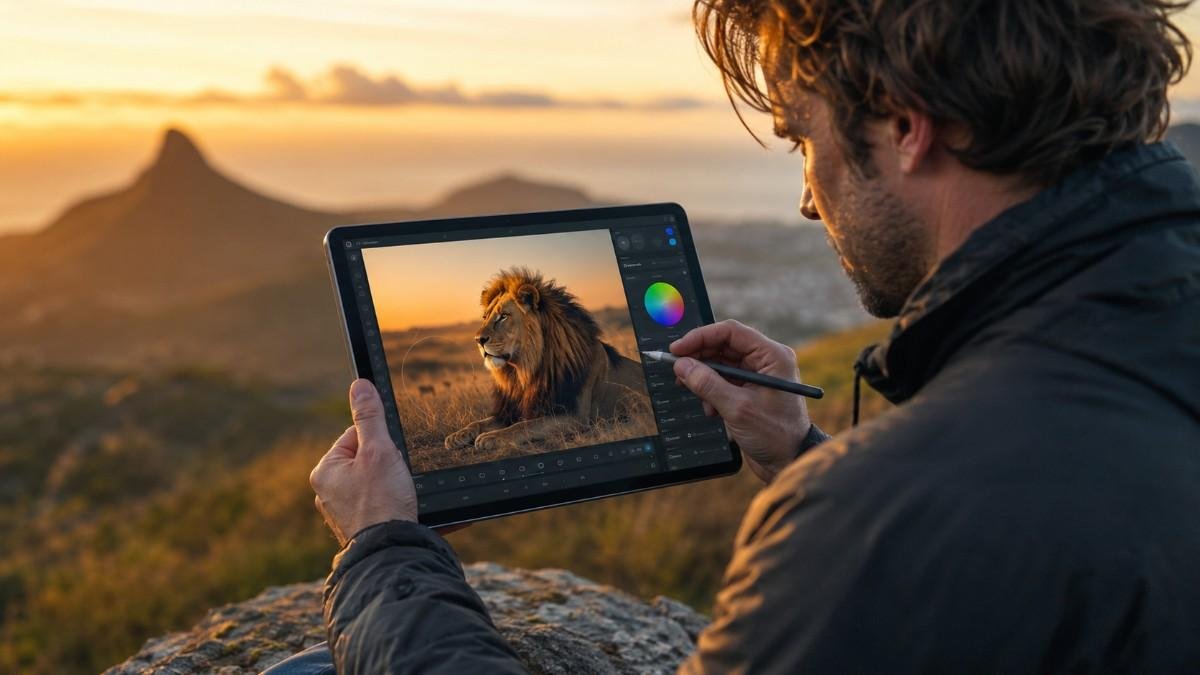
Best Overall For Professionals
Adobe Lightroom Mobile remains the top professional editing app because of its RAW editing, masking tools, AI enhancements, and cloud syncing features.
Best Free Photo Editing App
Snapseed continues to lead the free editing category with powerful tools, no watermarks, and a clean user experience.
Best For iPhone Users
Photomator and Afterlight perform exceptionally well on iOS devices thanks to their smooth interfaces and strong AI-powered editing tools.
Best For Android Users
VSCO and Lightroom Mobile remain excellent options for Android creators because of their presets, export quality, and professional editing controls.
Best For Creative Editing
Picsart remains one of the strongest choices for artistic edits, stickers, collages, and social-first content creation.
Frequently Asked Questions
1. Which Is The No. 1 Photo Editing App?
Adobe Lightroom Mobile is widely considered the best overall photo editing app because of its professional editing tools, RAW support, and advanced AI-powered features.
2. Which Photo Editor Is 100% Free?
Snapseed is one of the best completely free photo editing apps with professional-level tools and no watermark restrictions.
3. What Is The Best Free Editing App For Photography?
Snapseed offers the best combination of advanced editing tools, ease of use, and completely free professional editing features.
4. What Editing Apps Do Most Photographers Use?
Most photographers use Lightroom Mobile, Photoshop, Snapseed, VSCO, Photomator, and Luminar Neo depending on their editing workflow and creative needs.
Final Snap: Choosing The Best Photo Editing Apps
The best photo editing apps in 2026 focus on speed, creative control, AI-powered enhancements, and professional-quality results. Lightroom Mobile remains the strongest all-around option for photographers, while Snapseed dominates the free editing category and Photomator leads AI editing on iPhone. Choosing the right app ultimately depends on personal workflow, editing style, and the level of creative control needed to bring photos to life.