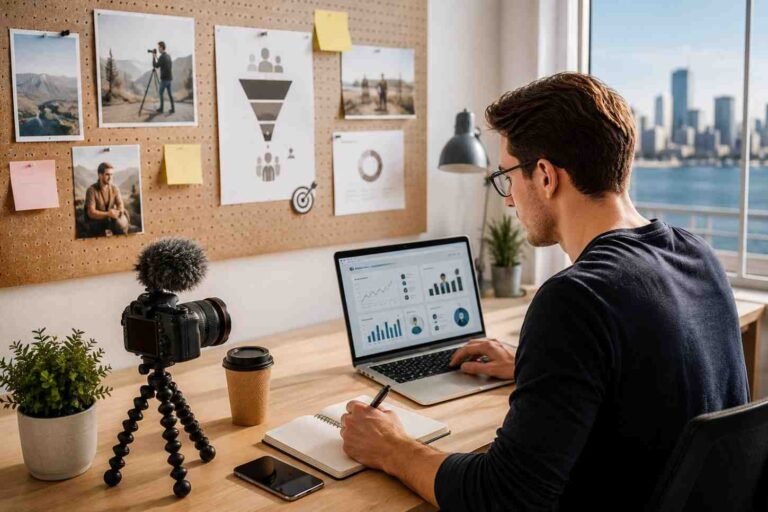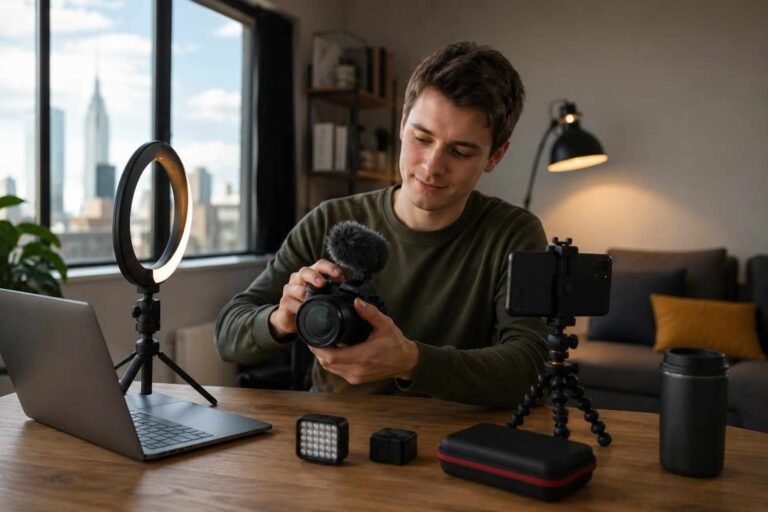
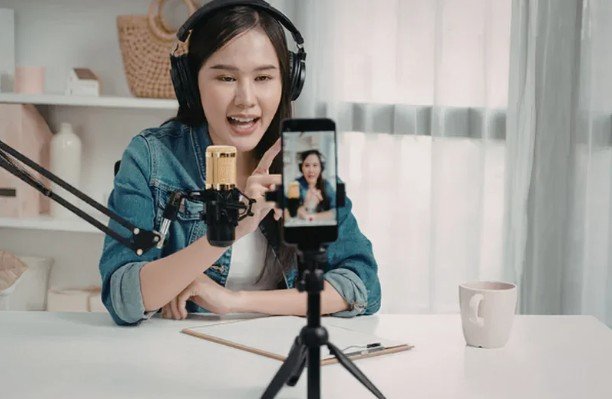
I learned quickly that shaky footage can make even a great idea look careless. That is why choosing the right tripod matters so much. Best Tripods for Content Creators are not just about holding a camera still. They help with framing, lighting, vertical videos, product shots, tutorials, livestreams, and smooth filming.
The right tripod depends on what you create. A travel vlogger needs something light. A beauty creator may need height and phone support. A product photographer needs stability. A YouTuber may need a fluid head for smooth movement. Instead of buying the most popular option, I always suggest choosing based on your content style.
What Makes a Tripod Good for Content Creation?
A good tripod should feel steady, easy to adjust, and simple to carry. Stability is the first thing I check because a weak tripod can ruin videos with tiny shakes. Height also matters. If the tripod is too short, your angles may look awkward.
Creators should also look for folded size, weight, phone holder support, vertical shooting, quick-release plates, Bluetooth remote control, and load capacity. If you use a mirrorless camera, DSLR, phone, or action camera, make sure the tripod can support your device safely.
Best Tripod Type for Your Content Style
A phone tripod is best for Reels, Shorts, TikTok videos, selfies, tutorials, and casual vlogging. It should include a strong clamp, vertical mode, and a remote. A flexible tripod works well for creators who film in tight spaces or wrap the tripod around railings, chairs, or branches.
It is useful, but not always the best choice for heavy cameras. A desktop tripod is perfect for product reviews, makeup videos, unboxings, podcasts, and livestreams. It keeps your setup compact and clean.
A travel tripod is best for outdoor creators, photographers, and vloggers who need something lightweight but tall enough for full-body shots. A video tripod is better for creators who film interviews, tutorials, or cinematic clips because the fluid head helps with smooth panning.
Key Features to Check Before Buying
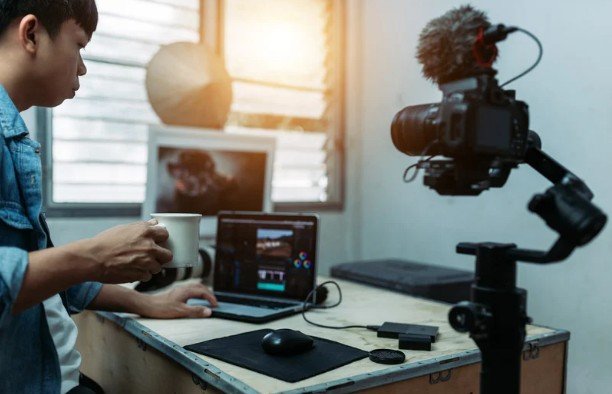
Leg locks are also important. Twist locks look clean, but flip locks are usually faster. Material matters too. Aluminum is affordable and strong, while carbon fiber is lighter but more expensive.
Also check maximum height and minimum height. A tall tripod helps with standing videos, while a low-angle option helps with product shots, food photography, and creative scenes.
Best Tripods for Phone Creators
Phone creators need a tripod that supports vertical and horizontal filming. This is essential for short-form video. A weak phone holder can slip, tilt, or damage your phone, so I always prefer a firm clamp with rubber padding.
Bluetooth remote control is useful for solo creators. It lets you start recording without touching the phone. A tripod with a cold shoe mount is even better because you can attach a small light or microphone.
For creators filming indoors, a phone tripod with a ring light or adjustable mount can save space. For outdoor creators, a lightweight travel tripod with a strong phone adapter is a smarter choice.
Best Tripods for YouTube and Vlogging
YouTube creators need more stability than casual phone users. If you film sit-down videos, choose a tripod that reaches eye level. This makes your frame look natural and avoids awkward low-angle shots.
For vlogging, portability matters. A tripod grip can work well because it acts as both a mini tripod and handheld support. For longer videos, choose something stronger with a smooth head and reliable leg locks.
If you use a mirrorless camera, check the weight rating carefully. Never place an expensive camera on a weak tripod just because it looks compact.
Best Travel Tripods for Creators
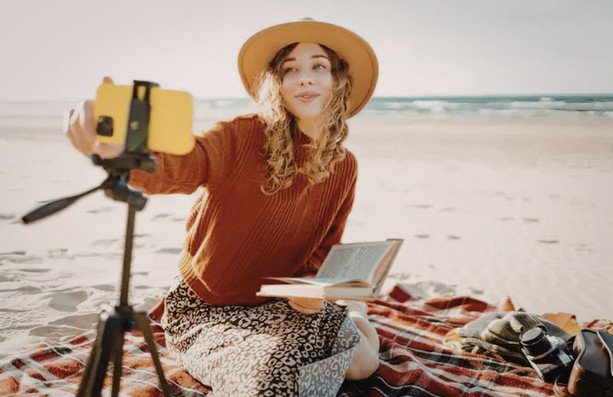
Travel creators need a balance between height, weight, and folded size. A tripod that is too heavy will stay in your bag. A tripod that is too light may shake in wind.
I prefer travel tripods that fold small, extend tall, and include a quick-release plate. Rubber feet are useful for indoor floors, while spiked feet can help outdoors. If you shoot landscapes, city clips, or destination content, stability matters more than fancy extras.
Tripod Mistakes Content Creators Should Avoid
One common mistake is buying the cheapest tripod without checking stability. Cheap models often wobble, slip, or break quickly. You need to adapt for vertical video support. Since short-form content is so important, your tripod should easily switch between landscape and portrait mode.
Many creators also buy a photo tripod for video work and then wonder why their pans look jerky. If video is your main focus, look for a fluid head. Finally, do not ignore setup time. If a tripod takes too long to adjust, you may stop using it.
Frequently Asked Questions
1. What is the best tripod for beginner content creators?
The best beginner tripod is lightweight, stable, affordable, and easy to adjust. A model with phone support, vertical shooting, and a remote is a great starting point.
2. Do I need a tripod for phone content?
Yes, a tripod makes phone videos look cleaner, sharper, and more professional. It also helps when filming alone.
3. What height tripod should I buy?
Choose a tripod that reaches at least eye level if you film yourself standing or sitting. For product shots, a smaller desktop tripod may be enough.
4. Are Best Tripods for Content Creators different from regular tripods?
Yes, creator-focused tripods usually support phones, vertical video, quick setup, lights, microphones, and portable shooting styles.
Final Thoughts
When I choose a tripod, I think less about hype and more about how I actually film. A tripod for Reels is different from one for YouTube tutorials, product shots, or travel videos. The smartest choice is the one that fits your workflow, saves time, and keeps your footage steady.
A good tripod will not make content for you, but it will make every shot look more polished. That alone can help your videos feel more professional from the first frame.