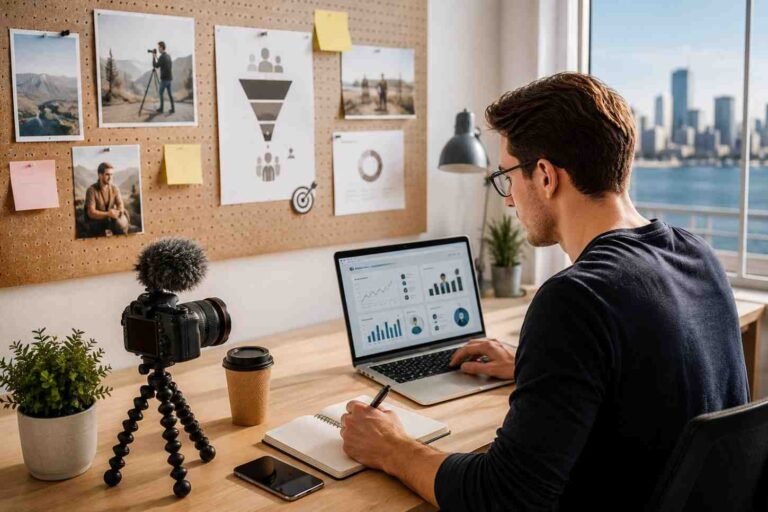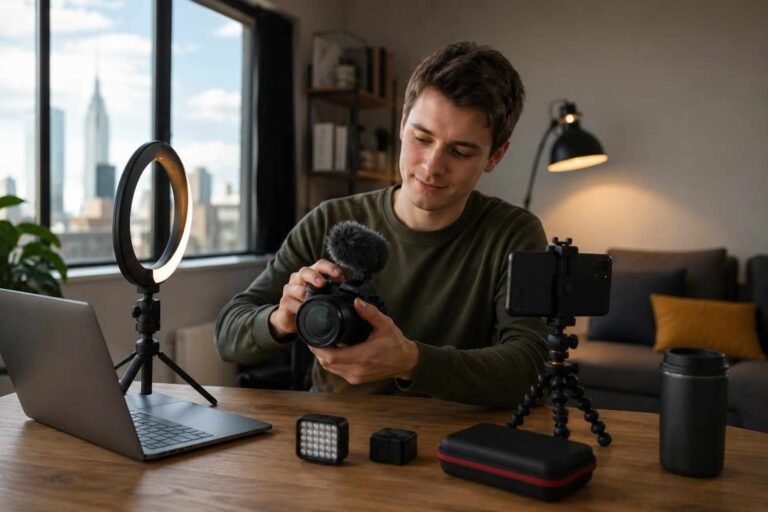
I used to think my camera’s built-in display was enough for every shoot. It was small, simple, and already attached to the camera, so why add another piece of gear? But once I started filming longer videos, outdoor scenes, interviews, and handheld shots, I realized how much I was missing.
External monitor vs camera screen is not just a gear debate. It is really about how clearly you can see your frame, focus, exposure, and final image before pressing record.
What Is a Camera Screen?
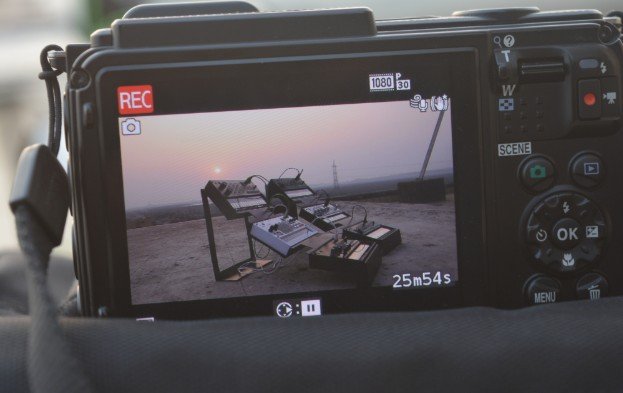
A camera screen is the built-in LCD display on your mirrorless camera, DSLR, cinema camera, or compact camera. It helps you preview the shot, check settings, review images, and adjust framing.
For casual photos, simple vlogs, travel clips, and quick social media videos, a camera screen can work well. It keeps your setup light and fast. You do not need extra batteries, cables, mounts, or accessories.
The main weakness is size. Most camera screens are small, and some are hard to see outdoors. If you are filming in bright sunlight, checking manual focus or judging exposure can become frustrating.
What Is an External Monitor?
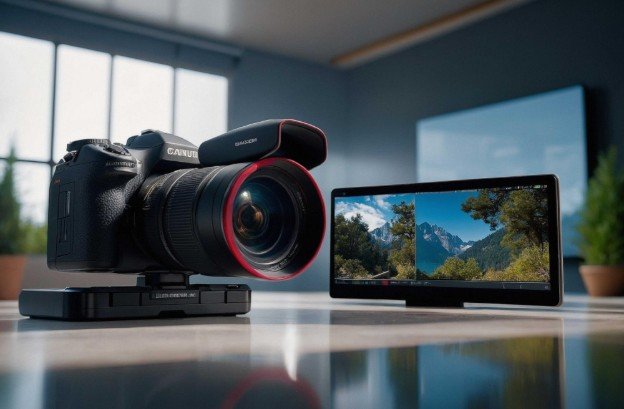
An external monitor is a separate screen that connects to your camera, usually through HDMI or SDI. It gives you a larger display, better visibility, and more professional monitoring tools.
Many external monitors include focus peaking, false color, zebras, waveform, LUT preview, grid lines, aspect ratio markers, and brightness control. These tools help you see problems before they ruin your footage.
Some advanced monitors also work as recorders. That means they can capture higher-quality video formats depending on your camera and workflow.
External Monitor vs Camera Screen for Focus
Focus is one of the biggest reasons creators upgrade to an external monitor. A small camera screen can make your shot look sharp when it is actually slightly soft. This becomes a bigger issue when shooting interviews, product videos, weddings, real estate videos, or cinematic content with shallow depth of field.
An external monitor gives you a larger view of the subject. Focus peaking highlights sharp edges, and zoom tools help you check small details before recording. If you use manual focus often, the bigger screen can save you from disappointing footage later.
External Monitor vs Camera Screen for Exposure
Exposure is another major difference. A camera screen can show you the image, but it does not always help you judge highlights and shadows accurately. External monitors often include zebras, waveform, and false color. These features make exposure easier to control.
False color shows exposure zones using different colors. Zebras warn you when highlights may be too bright. Waveform helps you see brightness levels across the entire frame. This is useful when filming faces, bright windows, outdoor scenes, product shots, or high-contrast locations.
When a Camera Screen Is Enough
You do not always need extra gear. A camera screen is enough if you shoot casual videos, beginner photography, simple travel content, or quick handheld clips.
It is also better when you want a lightweight setup. Adding a monitor means adding a mount, cable, power source, and extra weight, especially when using a microphone for camera vlogging alongside other accessories on a compact rig.
For run-and-gun creators, that extra bulk may slow everything down. If your camera has a bright flip-out screen and reliable autofocus, you may not need an external monitor right away.
When an External Monitor Is Worth It
An external monitor becomes worth it when accuracy matters more than speed. If you film talking-head videos, commercial work, interviews, weddings, short films, product videos, or client projects, the larger display can make your workflow more reliable.
It also helps when filming yourself. A front-facing external monitor lets you check composition, headroom, visual studio background flickering, and recording status without walking behind the camera. For creators who shoot outdoors, a bright monitor with a sun hood can make framing much easier.
Best Screen Size for Creators
A 5-inch monitor is a good choice for lightweight camera rigs, travel filmmaking, and handheld shooting. It gives you more screen space without making the setup too heavy.
A 7-inch monitor is better for studio work, interviews, real estate videos, and controlled shoots. It is easier to view from a distance and helpful when clients or team members need to see the frame.
Larger monitors are better for directors, studio crews, and production sets, but they are usually too bulky for solo creators.
Downsides of External Monitors
External monitors are helpful, but they are not perfect. They add cost, weight, cables, and battery management. A loose HDMI cable can interrupt your shoot. A dead monitor battery can slow down your workflow.
Some beginners also spend too much time looking at tools instead of focusing on the actual scene. A monitor should make shooting easier, not more complicated.
Before buying one, think about your content style. If your current camera screen already solves your needs, wait until your work demands more precision.
My Practical Buying Advice
I would not buy the most expensive monitor first. I would look for brightness, screen size, battery options, HDMI compatibility, focus tools, and simple controls.
For outdoor use, brightness matters a lot. For manual focus, focus peaking and zoom are important. For exposure control, false color, zebras, and waveform are helpful.
If you shoot professional video, consider whether you need recording features too. If not, a basic field monitor may be enough.
Frequently Asked Questions
1. Is External monitor vs camera screen important for beginners?
Yes, but beginners do not need to rush. Start with your built-in camera screen. Upgrade only when you struggle with focus, exposure, framing, or outdoor visibility.
2. Do photographers need an external monitor?
Most photographers do not need one for everyday shooting. It can help in studio photography, product shoots, tethered workflows, and detailed composition work.
3. Is an external monitor good for vlogging?
Yes, especially if your camera screen does not flip forward. It helps you check framing, background, focus, and recording status while filming yourself.
4. Does an external monitor improve video quality?
It does not directly improve image quality, but it helps you capture better footage by improving focus, exposure, framing, and monitoring accuracy.
Final Thoughts
I see an external monitor as a smart upgrade, not a must-have for everyone. If you shoot simple content, your camera screen may be enough. But if you want cleaner focus, better exposure, easier framing, and more confidence during serious shoots, an external monitor can change the way you work.
The best choice depends on your content, budget, camera setup, and shooting style. Start simple, learn your workflow, then upgrade when your screen starts limiting your results.