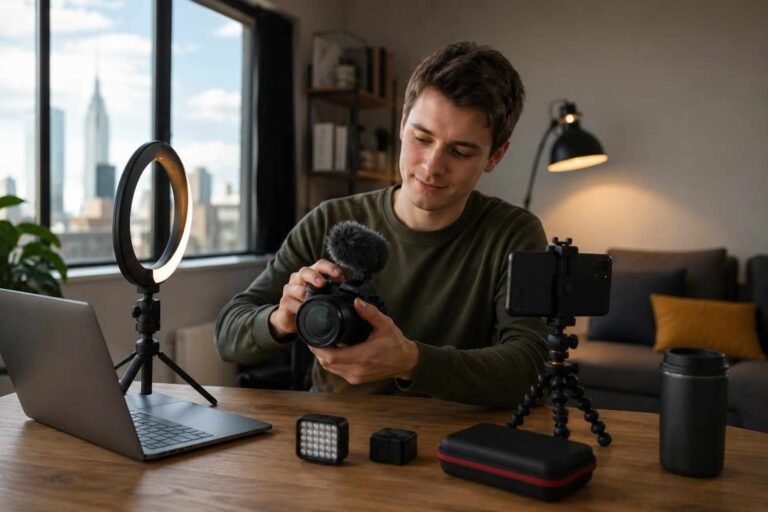
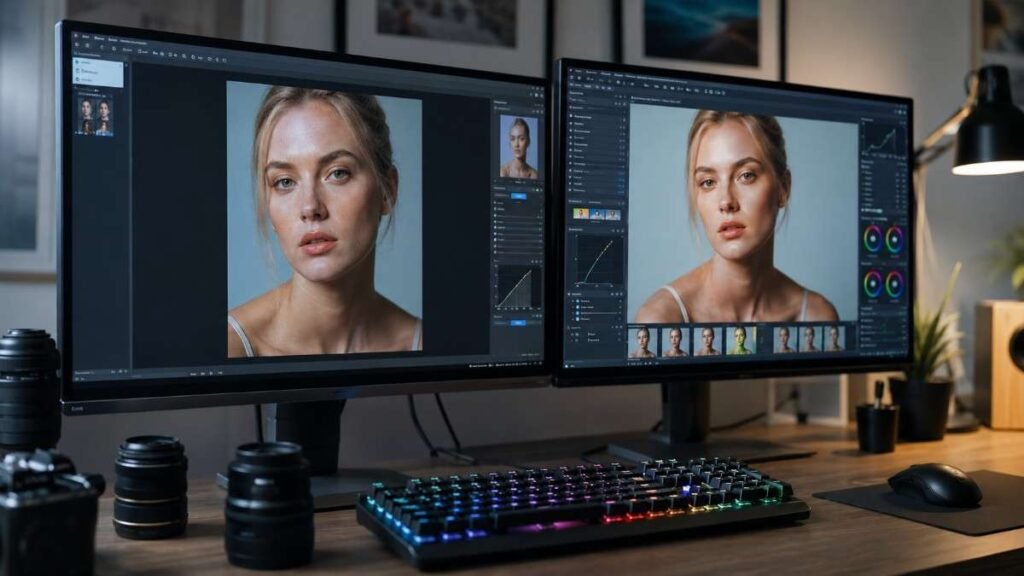
Scrolling through old vacation pictures recently made something clear. Great photography is rarely just about the camera. Smart photo editing techniques can completely change the mood, sharpness, and overall quality of an image in minutes.
A few thoughtful adjustments in color, exposure, and composition often make photos look cleaner, more professional, and far more engaging for social media, blogs, or personal portfolios.
Key Takeaways
- Photo editing techniques improve lighting, color, and image quality
- Lightroom and Snapseed are excellent tools for beginners
- AI editing tools speed up retouching and background cleanup
- Local adjustments create more professional-looking edits
- Natural edits always perform better than overprocessed photos
Why Photo Editing Matters?
Even expensive cameras cannot perfectly balance shadows, highlights, and colors in every lighting condition. Professional photographers use image enhancement techniques to create polished results while keeping images realistic and visually balanced.
Modern editing also improves engagement online. Clean, vibrant photos attract more clicks, shares, and interaction across Instagram, Pinterest, YouTube thumbnails, and photography portfolios. Strong visuals instantly build credibility for creators and brands.
Photo Editing Techniques Improve Storytelling
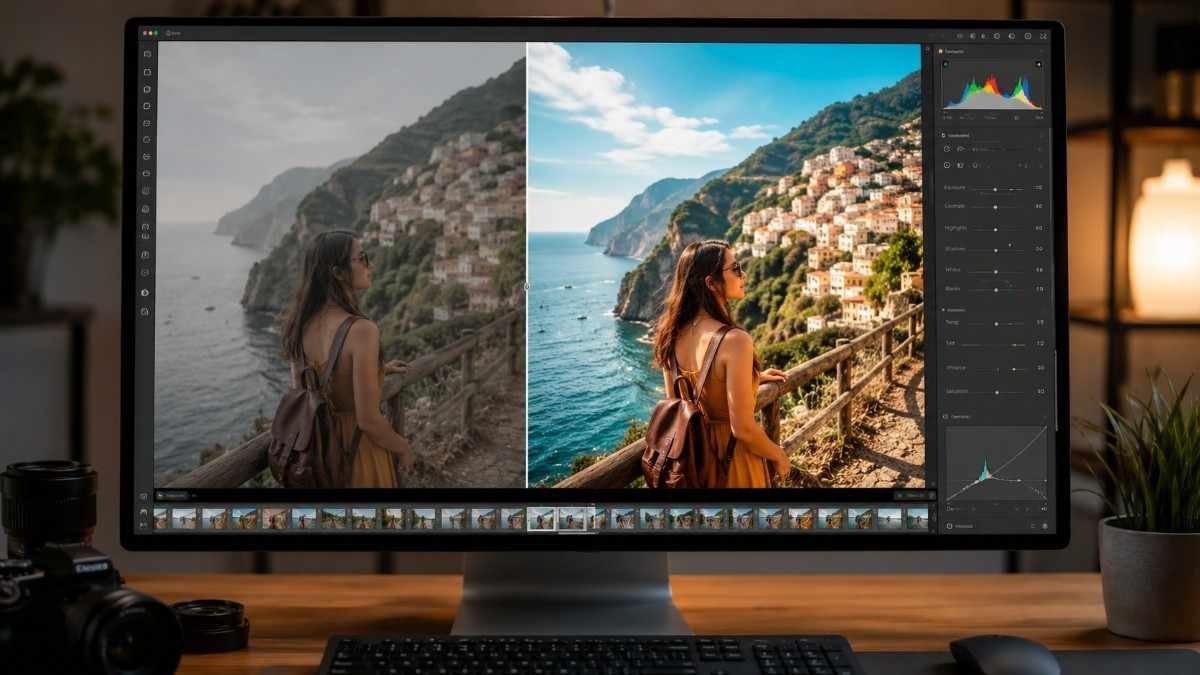
Editing shapes the mood of an image. Warm tones create a cozy cinematic feel, while cooler color grading often gives photos a modern and dramatic style. Small changes in contrast, clarity, and shadows guide attention naturally toward the subject.
Professional editors also use selective adjustments to improve details in specific areas instead of applying heavy filters to the entire image. This creates cleaner and more natural results.
AI Tools Are Changing Photography
Features like object removal, AI skin retouching, and automatic sky replacement save time while improving image quality. Tools such as Adobe Lightroom, Luminar Neo, and Photoshop now help creators edit large batches of photos efficiently. The best approach is still subtle editing. AI should enhance images, not make them look artificial or overprocessed.
Essential Photo Editing Techniques
These editing methods create the biggest improvement in most photos.
Crop For Better Composition
Reframing an image using the rule of thirds can instantly make a photo more visually appealing. Cropping also removes distractions from the background and strengthens composition without needing advanced editing skills.
Avoid excessive cropping because it can reduce image resolution and sharpness. Keeping enough detail is important for high-quality exports.
Fix White Balance Naturally
Indoor lighting often creates yellow tones, while cloudy outdoor photos may appear too blue. Adjusting temperature and tint restores accurate skin tones and cleaner overall color balance. This step is especially important in portrait photography and product photography where natural color accuracy matters.
Adjust Exposure Carefully
Brightening dark images can reveal hidden textures, while reducing highlights prevents bright areas from looking blown out. Many editors also brighten shadows slightly for a more balanced final image. Small exposure changes usually work better than dramatic adjustments. Natural lighting always feels more professional.
Advanced Photo Editing Techniques
Once the basics are done, advanced edits add depth and style.
Boost Color With HSL Tools
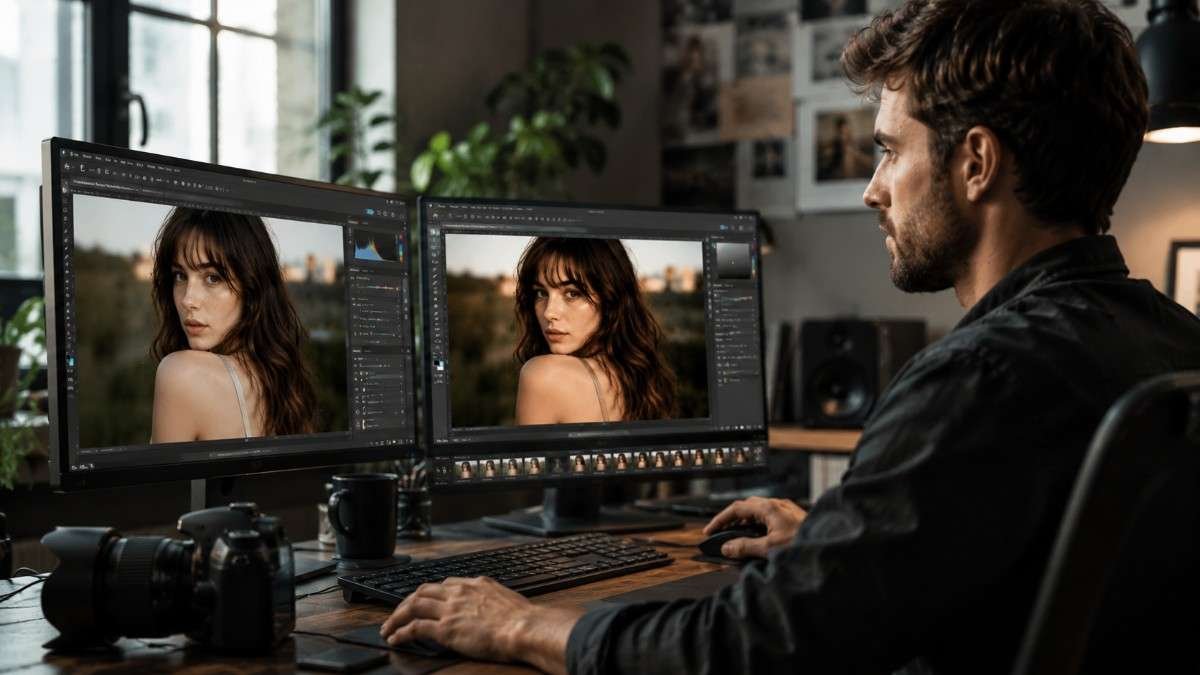
HSL editing gives more control over colors. Instead of increasing overall saturation, HSL tools adjust specific colors individually. This helps deepen blue skies, improve greenery, or refine skin tones without affecting the entire image. Controlled color grading creates cleaner and more cinematic edits.
Add Clarity And Sharpness
Sharp details make photos feel more professional. Tools like Clarity and Structure enhance texture and definition in landscapes, architecture, and street photography. Slight sharpening also improves focus and visual depth. Over-sharpening should always be avoided because it creates unnatural edges and noisy textures.
Use Local Adjustments
Professional editing often relies on selective adjustments. Editors brighten subjects, darken skies, or increase contrast in specific areas instead of changing the entire image globally. Local adjustments create more dynamic and balanced photographs. Brush tools, radial masks, and gradient filters are especially useful for portraits and travel photography.
Mobile Photo Editing Techniques
Mobile editing apps have become incredibly powerful. Many creators now edit entire photo collections directly from smartphones because apps offer advanced controls similar to desktop software.
Lightroom Mobile For RAW Editing
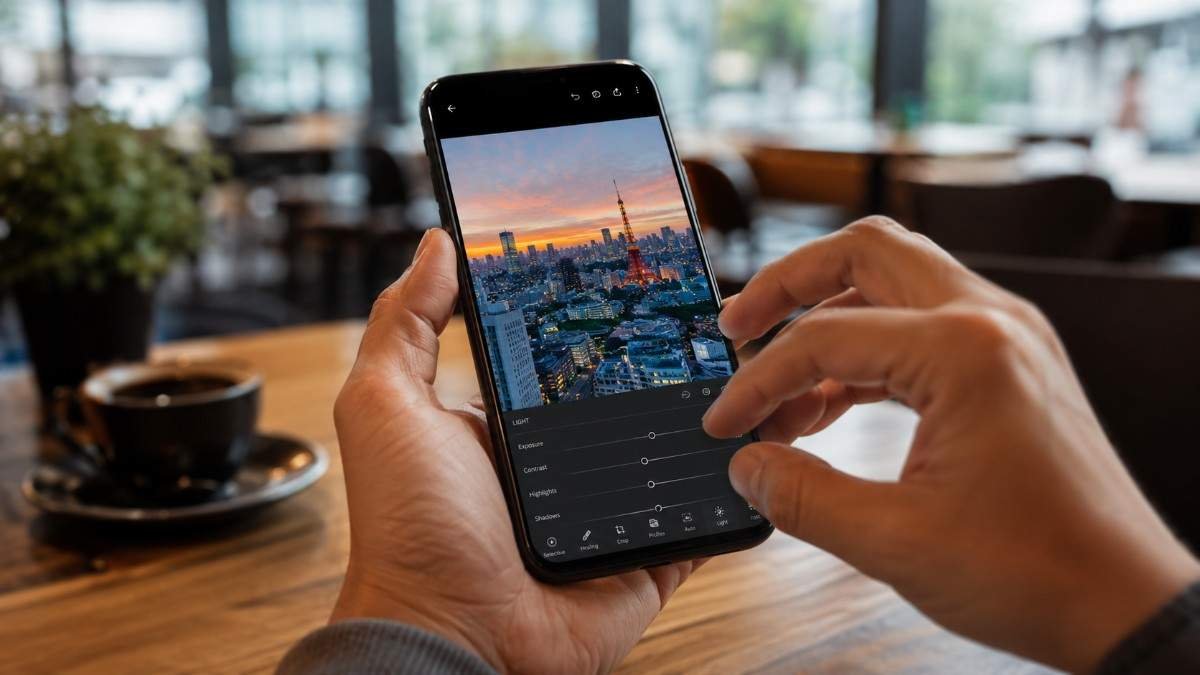
Lightroom Mobile is excellent for professional-quality edits. You can easily edit photos on iPhone. The app supports RAW files, custom presets, selective masking, and advanced color grading. Syncing edits across devices also helps maintain a consistent visual style. This is especially useful for travel creators and social media photographers who edit on the go.
Snapseed For Quick Enhancements
Snapseed remains one of the best free editing apps available. The healing tool removes unwanted objects quickly, while selective adjustments improve brightness and contrast in targeted areas. Its simple interface makes it beginner-friendly without sacrificing quality.
How To Apply Photo Editing Techniques
Applying photo editing techniques becomes easier with a consistent workflow.
- Start by selecting the best images and removing distractions or unwanted background objects. Crop the image carefully to improve composition and visual balance before making any major edits.
- Next, adjust white balance, exposure, contrast, and shadows to create a clean foundation. Use HSL tools or color grading panels to refine colors naturally without oversaturating the image. Local adjustments can then improve specific areas such as the sky, foreground, or subject.
- Finally, add subtle sharpening and clarity for extra detail. Save the image in high quality and compare it with the original photo before exporting. Consistency is important, so many photographers create presets to maintain a recognizable editing style across all images.
Common Editing Mistakes To Avoid
Heavy filters, extreme HDR effects, and unrealistic skin smoothing often make images look fake. The goal of editing should always be enhancement rather than complete transformation.
Ignoring export settings is another common mistake. Low-quality compression reduces sharpness and detail, especially on websites and social media platforms where visuals matter most.
Consistent editing also matters for branding. Using similar tones, colors, and presets across photos creates a professional and recognizable visual identity.
Frequently Asked Questions
1. What are the techniques of photo editing?
Photo editing techniques include cropping, color correction, exposure adjustment, sharpening, retouching, background cleanup, and AI-based enhancements.
2. What are the five image editing techniques?
The five common image editing techniques are cropping, exposure correction, color grading, sharpening, and retouching.
3. What are the 7 C’s of photography?
The 7 C’s of photography are composition, contrast, color, clarity, cropping, creativity, and consistency.
4. How many types of photo editing are there?
Photo editing includes portrait retouching, commercial editing, color correction, restoration, creative manipulation, and AI-enhanced editing styles.
Picture Perfect Final Thoughts
Learning modern photo editing techniques can dramatically improve the quality of your photos without requiring expensive gear. From fixing white balance and exposure to using AI-powered tools and mobile editing apps, even small changes create more polished and professional-looking results. The key is keeping edits natural, balanced, and consistent while developing a unique editing style that makes every image stand out.